Eric’s Calculator Pro: A Sidebar Tool for Vivaldi
This is the first software tool I have ever created with the help of AI, and it is also my first AI-assisted project.
It may not be a groundbreaking product, but it means a lot to me. With the help of AI, ordinary people like me, even without coding knowledge, can now build tools that used to feel impossible. AI gives everyone the opportunity to turn their own ideas into practical products that fit their personal needs.
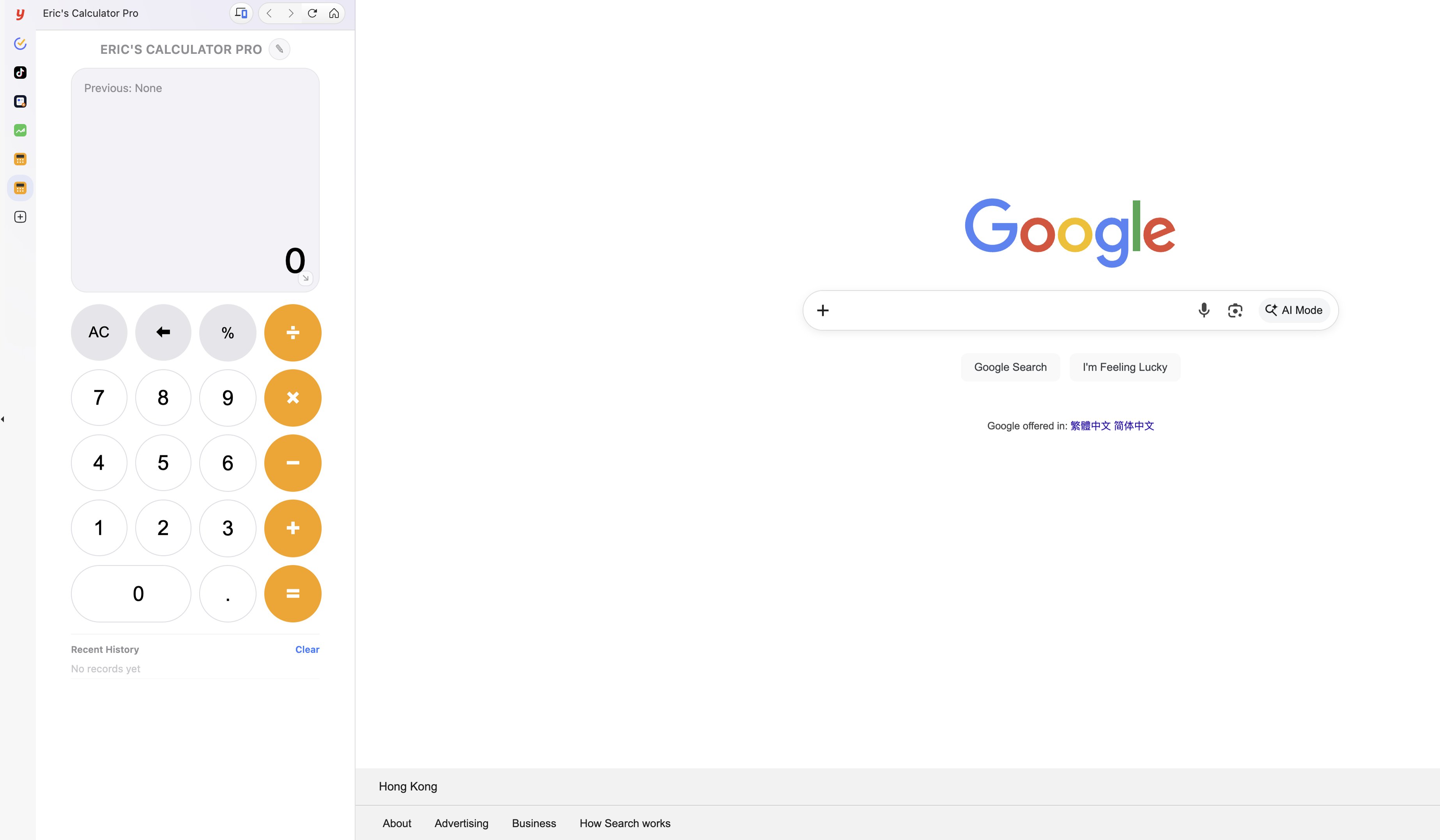
I use the Vivaldi browser frequently in my daily work and learning. One of its most useful features is the sidebar, which allows users to add custom websites and choose whether to display them in a mobile or desktop layout. In my work, I often need to use a calculator. However, searching for and opening the calculator app from the App Center every time feels inefficient. A normal desktop calculator window is also difficult to keep fixed in one place, and it can easily be covered by other application windows.
So I shared my idea with the OpenAI App and asked it to generate an executable HTML page for me. I tested it by dragging the HTML file into the browser and opening it directly. After many rounds of adjustments and improvements, I finally arrived at the calculator version I wanted. Once opened in the browser, it can be added to the Vivaldi sidebar by clicking the “+” button.
The main features of this sidebar calculator include:
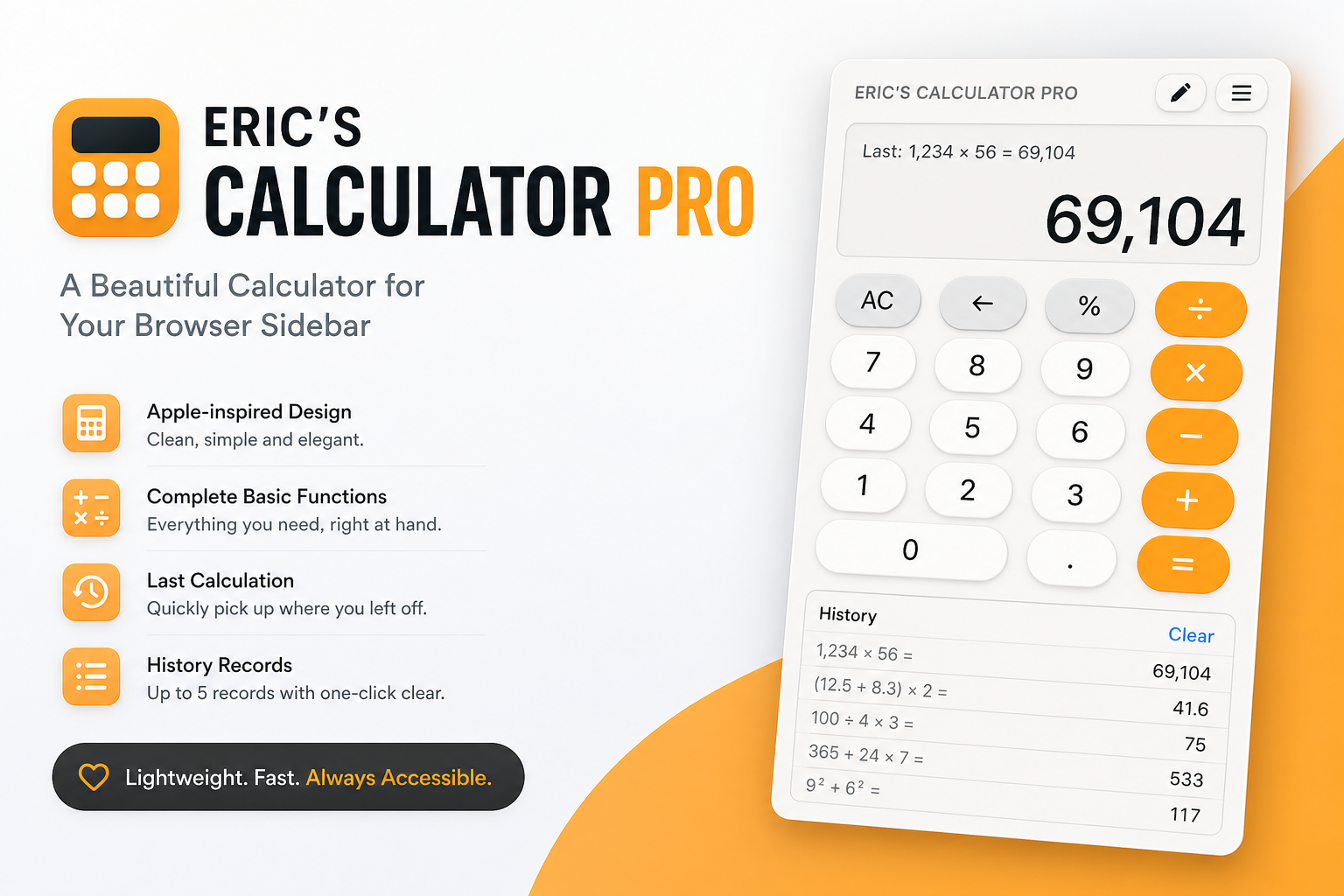
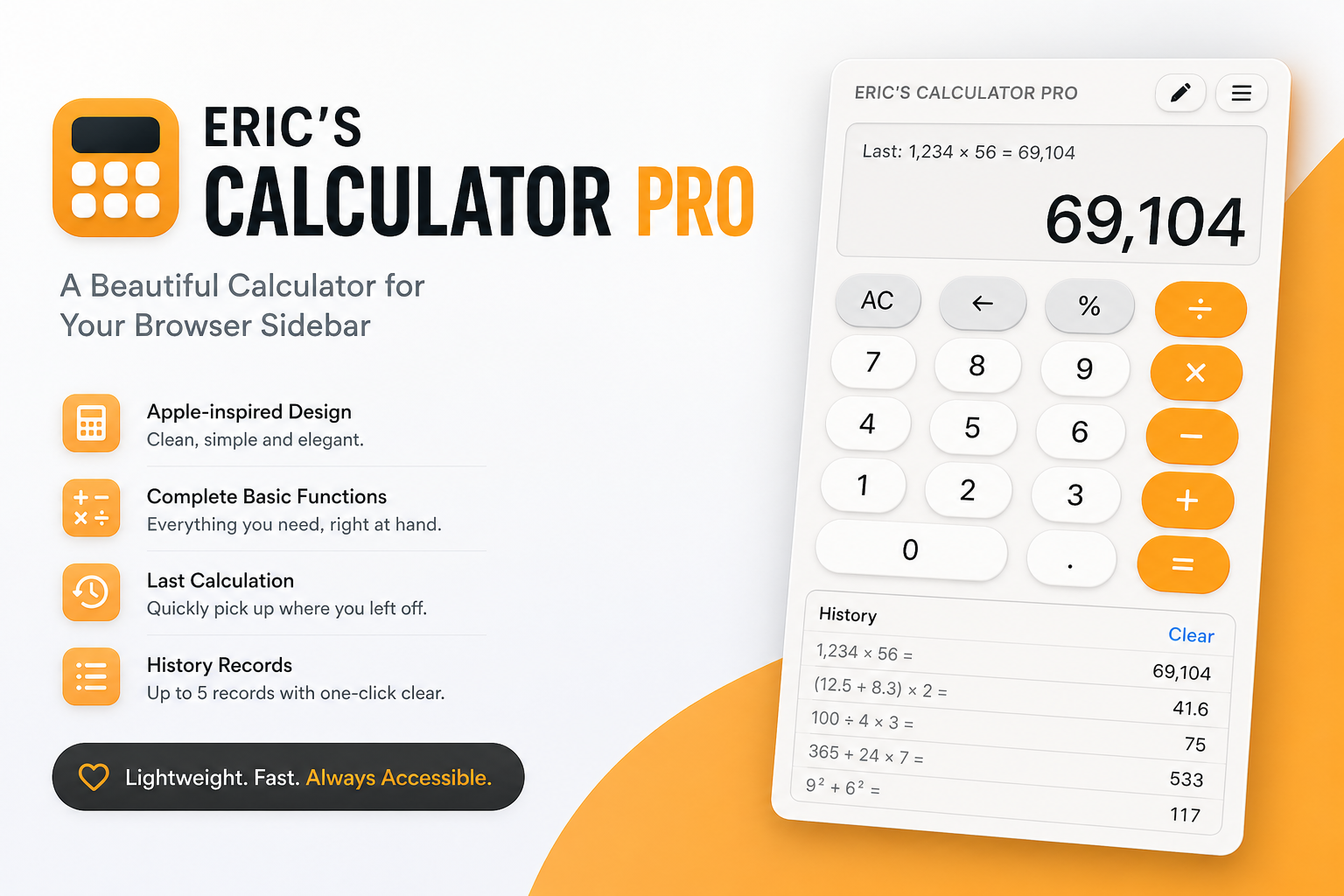
- An Apple-inspired visual style with a clean interface, pleasant colors, and a simple layout.
- Complete basic calculator functions for everyday work and study needs.
- A display area at the top that remembers the previous calculation.
- A history section at the bottom that shows up to 5 recent input records and supports one-click clearing.
If you also like using tools inside your browser sidebar and want a lightweight, beautiful, and easy-to-access calculator, you may want to give this tool a try.
Download Eric's Calculator Pro
This is a lightweight HTML calculator for browser sidebar use.
Download the ZIP file, unzip it, and open the HTML file in your browser.